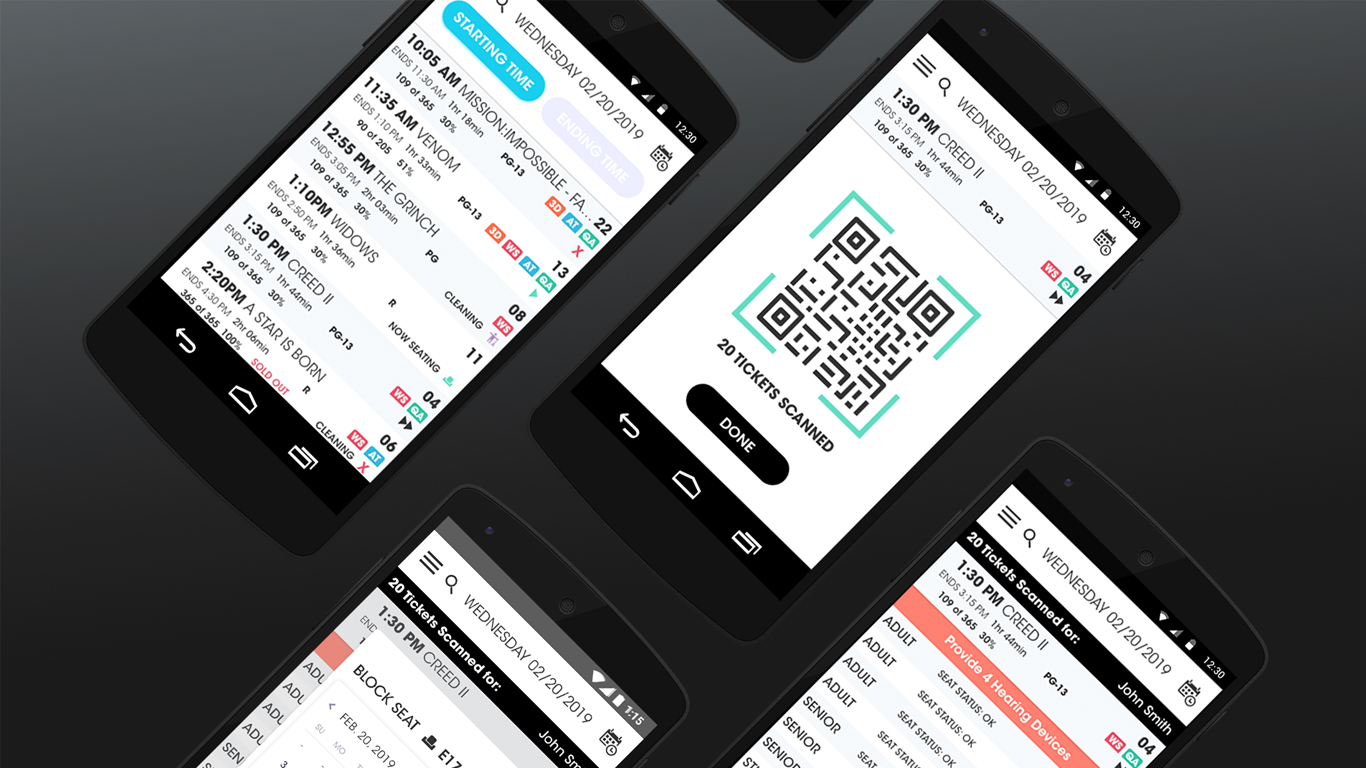
The Decurion Corporation, the parent company of Arclight Cinemas, needed an efficient product solution. With some cinemas having up to 16 theaters, no software existed that integrated with their POS system, allowing staff to conduct transactions with customers onsite (tickets, refunds, seat changes, lost and found, etc.), and also allowed them to manage everyday tasks like scheduling cleaning and maintenance. The solution at the time was mostly Excel spreadsheets and handwritten post-it notes.
A significant number of customer complaints occurred because there was no digital tool to monitor, for example, whether a seat was broken, or whether a theater had been cleaned properly. Sometimes staff would find out about issues from the customers themselves.
Arclight Cinemas
SAP Mobile App for Cinema Employees
Savantis Solutions
The Usher App is a minimal viable product that assists staff members with ticket sales, customer assistance and individual theater maintenance within cinema complexes.
The Problem
Inefficient and Outdated Business Processes
The Team and My Role
A Hybrid Role
I worked remotely and onsite in Chatsworth, California with the Product Team and stakeholders, including the:
- Vice President of Systems Strategy
- Vice President of Information Technology
- Product Manager
- UX Lead and
- Engineers and Developers based in India
- Vice President of Information Technology
- Product Manager
- UX Lead and
- Engineers and Developers based in India
The Scope and Restraints
Taking Over UX Design Responsibilities with Limited Time
With the timeframe of less than one business week, I was tasked with completing the design of an MVP all-in-one Android mobile app that would provide POS functionality, display ticket, and theater information and notifications to the user- Theater Ushers. My responsibility was to focus on user-centered solutions for (1.) Purchasing, scanning, refunding, and readmitting tickets, (2.) Scheduling maintenance and cleaning of individual theaters, (3.) Record keeping and notifications functionality for issues like Lost and Found, Special Needs, and Reseating.
Due to the time constraints, I focused mainly on completing the user journey in the user interface. The stakeholders were more keen to seeing polished design and prototypes during the short sprints instead of Discovery, UX Research and assisting with User Testing.
Due to the time constraints, I focused mainly on completing the user journey in the user interface. The stakeholders were more keen to seeing polished design and prototypes during the short sprints instead of Discovery, UX Research and assisting with User Testing.
Visual Design
Giving Digital Power and Efficiency to Movie Ushers
Working from pre-existing design files, I focused on finding the inefficiencies and inconsistencies of the user journey flows in the user interface of the preexisting screens themselves.
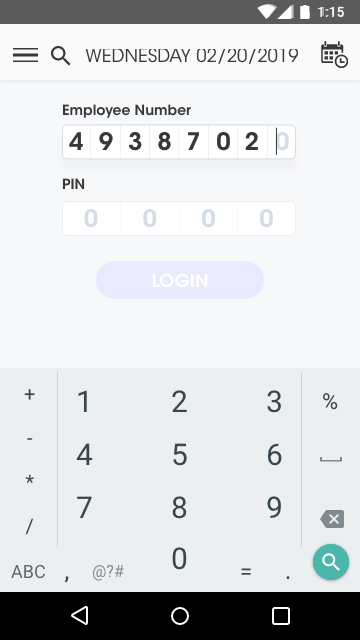
The interface requires users to log in and displays all relevant movie information (movie name, IMDb bio, start time, end time, movie length, movie rating, movie attributes (XD, Q&A, etc.), theater capacity and individual seat status).
The mobile app also allows the user to scan pre-purchased tickets, refund tickets, reserve theaters, and/or change seats for customers. Screens were created from the design system, and applied to various digital products, allowing familiarity of the brand across those products and their respective devices (tablet, kiosk, phone, desktop, point-of-sale, concessions stands, etc.)
The mobile app also allows the user to scan pre-purchased tickets, refund tickets, reserve theaters, and/or change seats for customers. Screens were created from the design system, and applied to various digital products, allowing familiarity of the brand across those products and their respective devices (tablet, kiosk, phone, desktop, point-of-sale, concessions stands, etc.)
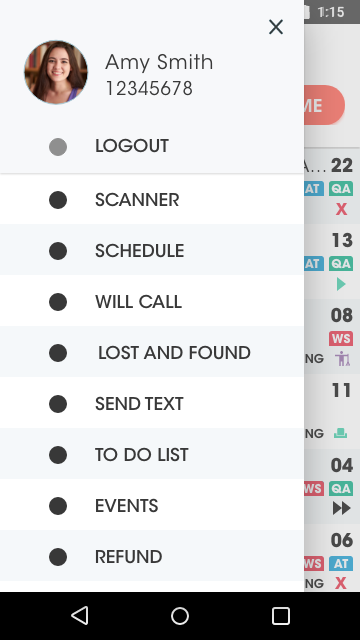
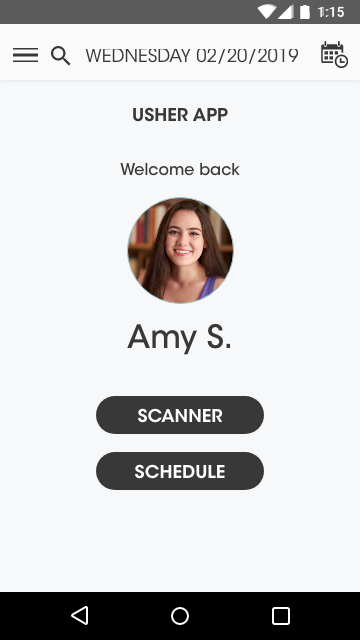
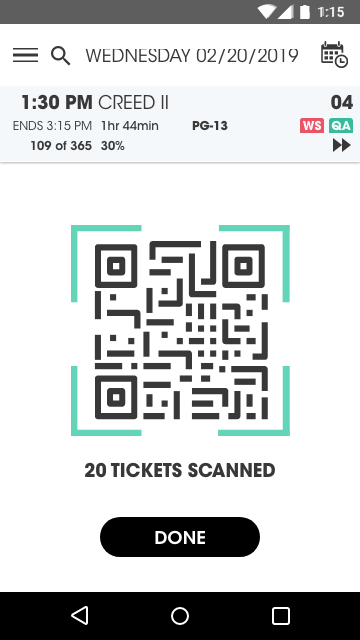
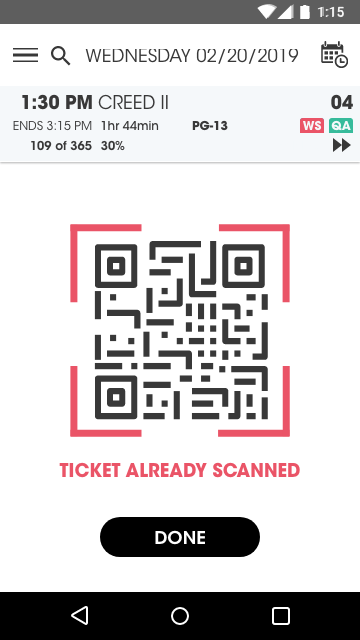
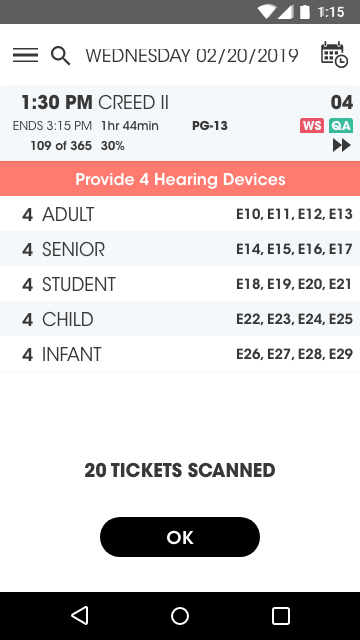
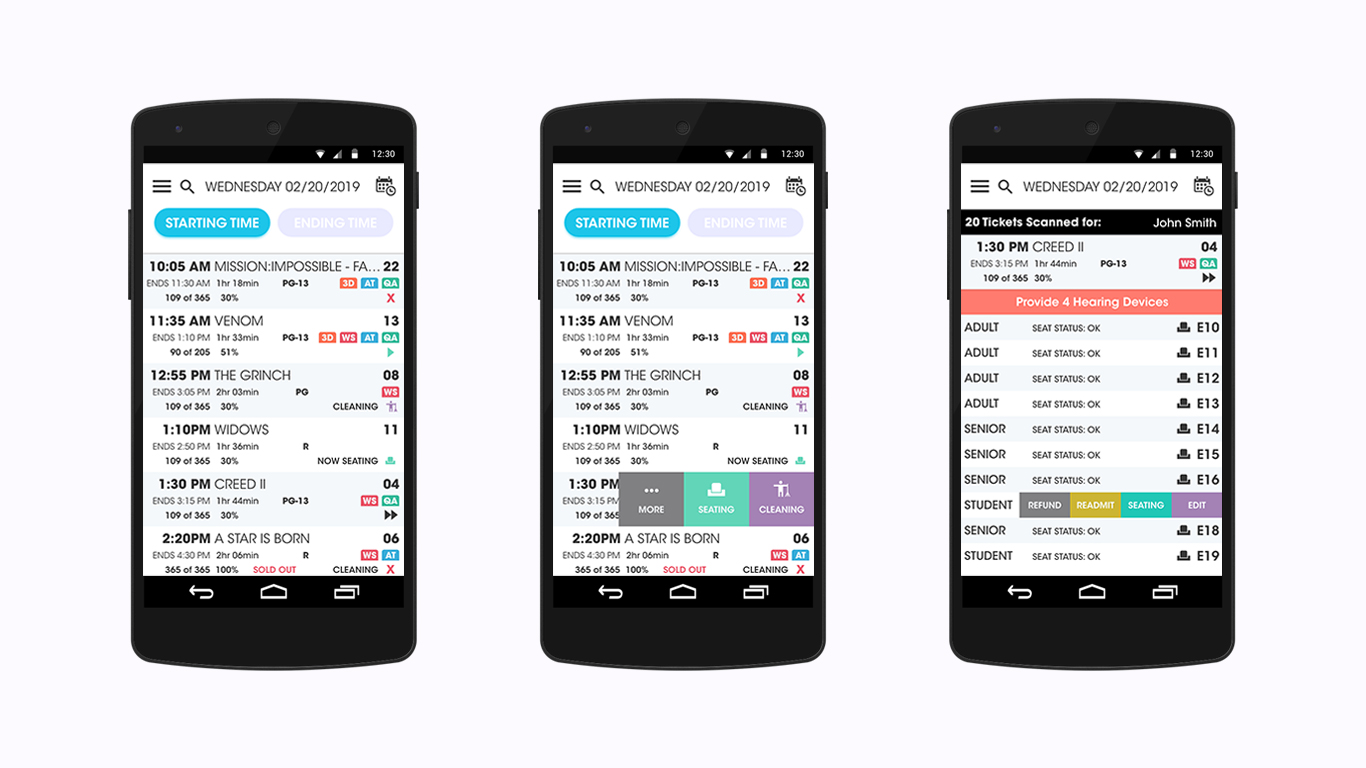
Screen displays (above ) illustrate how the content "drills down" as relevant information is shown. The first screen (left) displays movie start times, while the second screen (middle) shows how seating and cleaning statuses can be designated and monitored via a fly-out menu. The third screen (right) shows a responsive notification to the user (in orange) for any moviegoers with special needs or requirements, as well as a fly-out menu for editing an individual ticket that has been purchased and scanned.